
0 LOGIN/REGISTER

HomeAccessories › Logitech MX Keys Advanced Wireless Illuminated Keyb…

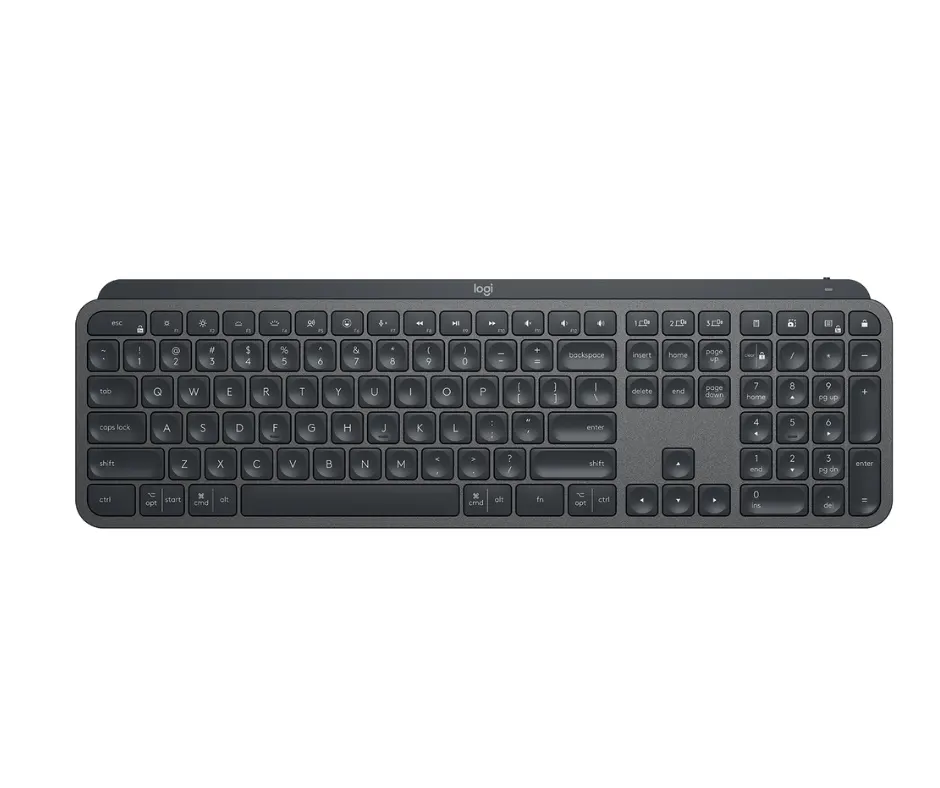
Logitech MX Keys Advanced Wireless Illuminated Keyboard, Tactile Typing, Bluetooth USB-C, Apple macOS, Microsoft Windows, Linux, iOS, Android - GraphiClick to enlarge

Apple

Logitech MX Keys Advanced Wireless Illuminated Keyboard, Tactile Typing, Bluetooth USB-C, Apple macOS, Microsoft Windows, Linux, iOS, Android - Graphite

KSh 22499

● 100 IN STOCK

  • Brand: Logitech Compatible Devices: Laptop, Tablet Connectivity Technology: USB Keyboard Description: Multi Functional, Membrane, Mechanical Recommended Uses For Product: Office Special Feature: Ergonomic, Low-Profile Key, Rechargeable Color:...
SKU: 5167
Category: Accessories
Warranty: 12 Months
Condition: Brand New
Genuine stock M-Pesa accepted Same-day Nairobi delivery

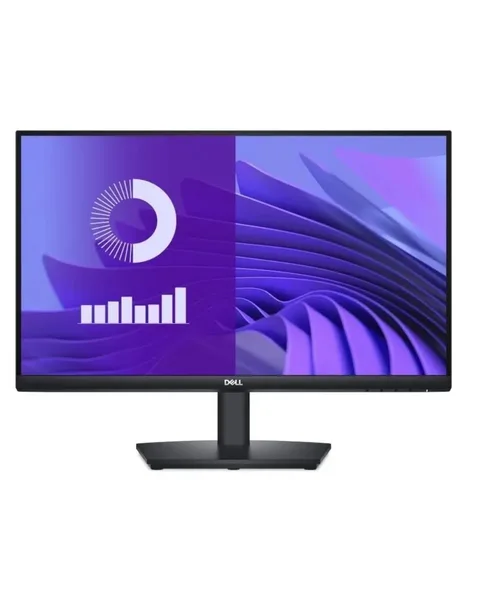
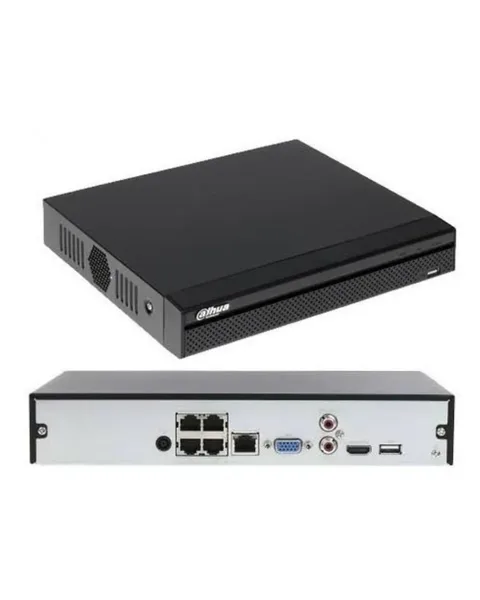
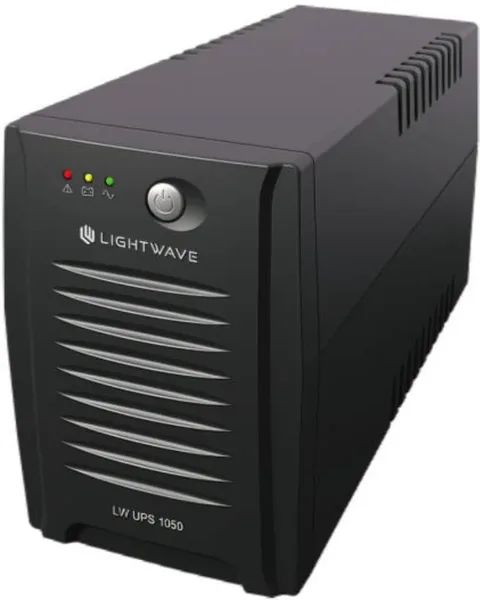
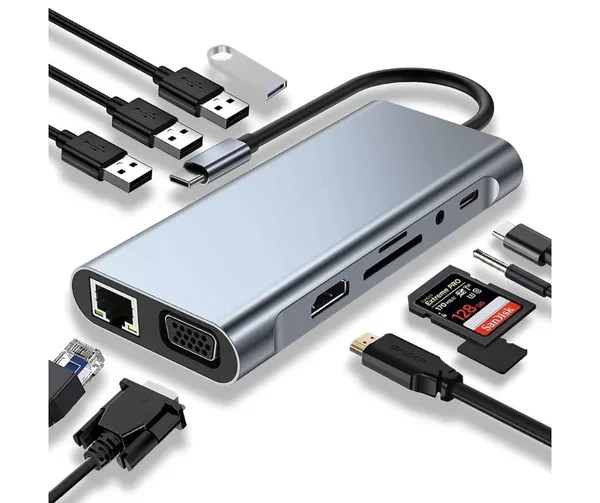
Frequently bought together

Things that genuinely pair with this — untick anything you don't want.

This item

Logitech MX Keys Advanced Wireless Illumina…

KSh 22499
+ + +
Price for all
KSh 39499
4 items selected

MASTER YOUR FLOW

Experience a new level of flow state with MX Keys S and MX Keys Mini.
High-performance keyboards, engineered for comfortable, fast, fluid typing, with smart illumination, and programmable keys.

Choose between the full-size MX Keys S that features an integrated numpad or the space-saving minimalist MX Keys Mini.

FAST FLUID PRECISE TYPING

Turn your thoughts into reality faster and stay in the flow with the efficiency, stability, and precision of MX Keys S and MX Keys Mini.

Type with more precision and speed with spherically-dished keys that match the shape of your fingertips, minimizing the chances of a mistype, while increased key stability reduces noise. The rounded edges provide satisfying feedback — no matter where you strike the key.

The Dictation feature is provided by Windows and macOS and is currently available only in select languages and geographies. Learn more at logitech.com/support/OSdictation., And Mic Mute / Unmute Keys" data-theme-desktop="theme-dark" data-theme-tablet="theme-dark" data-theme-mobile="theme-dark">

INTRODUCING EMOJI, DICTATION THE DICTATION FEATURE IS PROVIDED BY WINDOWS AND MACOS AND IS CURRENTLY AVAILABLE ONLY IN SELECT LANGUAGES AND GEOGRAPHIES. LEARN MORE AT LOGITECH.COM/SUPPORT/OSDICTATION., AND MIC MUTE / UNMUTE KEYS

Smarter Fn Keys Requires Logi Options+ app, available for Windows and macOS now give you the power to send emojis, mute and unmute your mic, and activate talk to text.

Tap Mic Mute / Unmute to mute and unmute your mic for flawless video calls

The Emoji key opens up your emoji window for a perfectly timed reaction 🥰 🤣 or 🔥

MORE COMFORT. DEEPER FOCUS

When you’re in the flow state, the last thing you need is discomfort getting between you and the work.
MX Keys S and MX Keys Mini are crafted with a low-profile design and an optimum keyboard angle that encourages better wrist posture and reduces strain on the joints.
The minimalist form factor of MX Keys Mini aligns your shoulders and allows you to place your mouse closer to your keyboard for less hand reaching – for better posture and improved ergonomics.

SMART ILLUMINATION MADE SMARTER

Day or night, MX Keys S and MX Keys Mini are here for you whenever inspiration sparks.
For those burning the midnight oil, the keyboard includes proximity sensors that magically light up the keys the moment your hand's approach. The backlit keys automatically adjust to suit changing lighting conditions and fade when you leave the desk — saving power for those moments of inspiration. With Logi Options+ Requires Logi Options+ app, available for Windows and macOS, you now have more flexibility on MX KEYS S with adjusting backlighting duration and brightness.

DO MORE WITH LOGI OPTIONS+

Logi Options+ allows you to customize the entire F-row to any function you need.
Easily switch the F-row priority between regular F-key functions, special functions like Smart Actions, or personal app-specific customizations Requires Logi Options+ app, available for Windows and macOS.

You may also like

Customer reviews

No reviews yet. If you have bought this, your experience would genuinely help the next shopper.

Questions about this product

Answers to what shoppers ask us most. Something not covered? Ask us on WhatsApp.

How much does the Logitech MX Keys Advanced Wireless Illuminated Keyboard, Tactile Typing, Bluetooth USB-C, Apple macOS, Microsoft Windows, Linux, iOS, Android - Graphite cost in Kenya?

The Logitech MX Keys Advanced Wireless Illuminated Keyboard, Tactile Typing, Bluetooth USB-C, Apple macOS, Microsoft Windows, Linux, iOS, Android - Graphite costs KSh 22,499. That is the price you pay at checkout; delivery is calculated separately and shown before you pay.

Is the Logitech MX Keys Advanced Wireless Illuminated Keyboard, Tactile Typing, Bluetooth USB-C, Apple macOS, Microsoft Windows, Linux, iOS, Android - Graphite available in Nairobi?

Yes. The Logitech MX Keys Advanced Wireless Illuminated Keyboard, Tactile Typing, Bluetooth USB-C, Apple macOS, Microsoft Windows, Linux, iOS, Android - Graphite is in stock and ready to ship today. You can collect it from Moi Avenue, Rahimtulla Trust Building, 2nd Floor Room 32B, Nairobi CBD, or call +254 111 787140 to reserve it.

Does the Logitech MX Keys Advanced Wireless Illuminated Keyboard, Tactile Typing, Bluetooth USB-C, Apple macOS, Microsoft Windows, Linux, iOS, Android - Graphite come with a warranty?

The Logitech MX Keys Advanced Wireless Illuminated Keyboard, Tactile Typing, Bluetooth USB-C, Apple macOS, Microsoft Windows, Linux, iOS, Android - Graphite is sold as brand new, and it carries a 12 Months warranty. If anything is faulty you have 7 days from delivery or collection to bring it back for repair, replacement or refund.

How soon can the Logitech MX Keys Advanced Wireless Illuminated Keyboard, Tactile Typing, Bluetooth USB-C, Apple macOS, Microsoft Windows, Linux, iOS, Android - Graphite be delivered?

Same day within Nairobi CBD on orders placed before 3:00 PM, and free on that route. Greater Nairobi is same or next working day from KSh 300, major towns are 1–2 working days from KSh 500, and anywhere else in Kenya is 2–4 working days. Collection from the shop is free and ready the same day.

How do I pay for the Logitech MX Keys Advanced Wireless Illuminated Keyboard, Tactile Typing, Bluetooth USB-C, Apple macOS, Microsoft Windows, Linux, iOS, Android - Graphite?

M-Pesa is the quickest — choose M-Pesa Express at checkout, enter the number to charge, and approve the prompt on your phone. Bank transfer and cash on collection are also accepted. You do not need an account to order; guest checkout asks only for your name, phone number and delivery area.